-1.png?width=180&height=90&name=LooUQ-LogoTag(4000x2000-t)-1.png "LooUQ Sense-Know-Act")
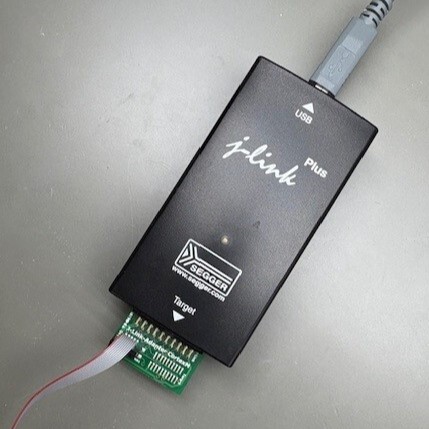
Flashing and debugging are critical steps for the development of embedded software, like applications targeting the LooUQ MTC2-N9151. Recently one of the N9151's early adopters hit a stop, attempting to flash an application onto the device.
LooUQ uses the industry standard Segger J-Link line of devices for the development and testing of our products on a daily basis. Segger offers a range of devices, including the J-Link EDU Mini, for the students and hobbyists out there. Consequently we were a bit surprised when we heard the user say they could not flash our device on a kit via the provided SWD port.
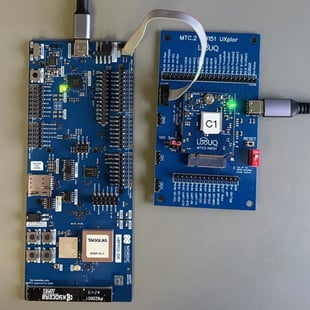
His setup did not include a J-Link but instead was using a Nordic DK, which is equipped with a Segger J-Link chip. The Nordic DK offerings, which include a Segger chip, have a "DEBUG OUT" header. By connecting this header to the 5x2 SWD header on the LooUQ boards (UXplor or breakout), the Nordic DK should be able to flash/debug the MTC2-N9151, just like our stand-alone J-Link probes.
.jpg?width=226&height=301&name=UXplor%20(v2.2a).jpg)
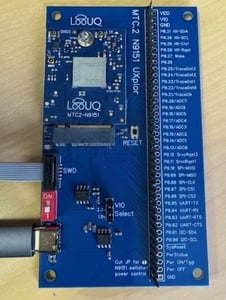
.jpg?width=226&height=301&name=Breakout%20(v2.2a).jpg)
Note: the UXplor and breakout boards are MTC2-N9151 carrier boards intended for lab use or production flashing, the nRF9151 SIP SWD signals are exposed to the host on the MTC.2 edge connector.
The initial connection he tried was a nRF9160 DK as the flashing host, this failed. We tried the test using a nRF9151 DK LooUQ had in-house, it also failed to connect with the MTC2-N9151. He later attempted to flash the N9151 using a Nordic nRF5340 DK and SUCCESS!
I found a nRF54L15-DK in our lab and sure enough it worked.
It makes perfect sense that an organization considering the MTC2-N9151 device for their product would own a Nordic DK. LooUQ after all builds nRF-based devices, and we own several DKs. Using reference designs, like the DKs, is a key strategy in reducing development risk. You start with the DK, determine the nRF9151 will meet your needs, then start to develop your product.
Turns out the nRF9151 DK (or any DK) can act as your SWD host but you need to ensure the DK is configured correctly. For the issue our customer discovered: the voltage set on the DK did not match the VDDGPIO voltage on the MTC2-N9151.
In the Nordic nRF Connect for Desktop, the Board Configurator app allows you to configure various settings on the DKs (see below for the nRF9151 DK).
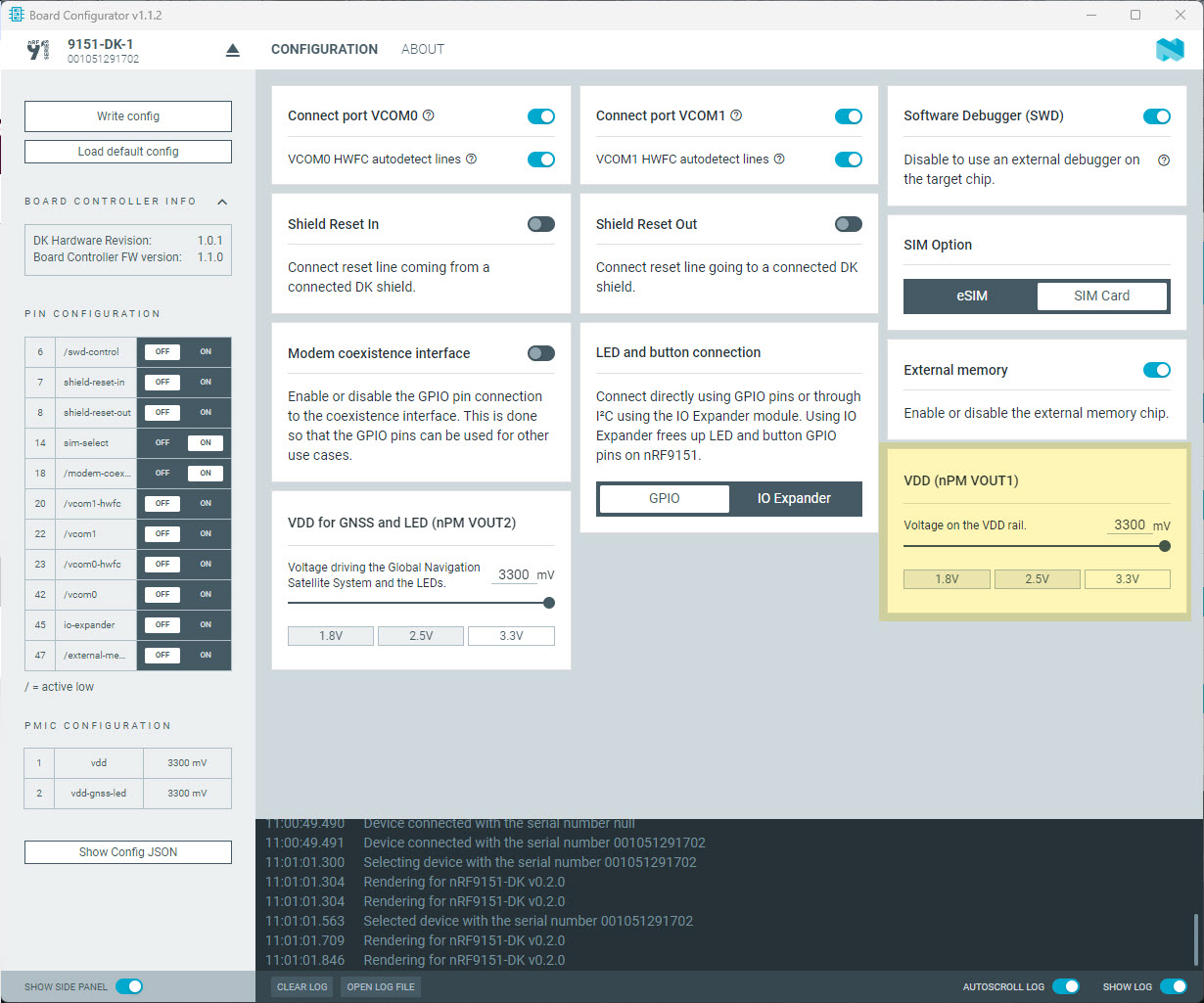
It appears that 3.3V is the default for the nRF53 and nRF54 series, but for the nRF91 series DK the default we found is 1.8V.
The popular PE Micro Multilink, for those users with NXP or ST Microelectronics backgrounds, does not integrate with the Nordic development tools (as of this post). I reached out to PE Micro and they indicated their probes can flash the nRF9151 using their application.


